
Jan 10th, 2025, by Kam Kaiserman
AI RESOURCES FOR DESIGNERS
A reference guide to current AI platforms and their practical usage in any designer's workflow.
AI Image Generation: Beyond the Obvious
While AI image generation tools like Midjourney, Stable Diffusion, and DALL-E capture headlines for their AI looking appearance, designers are using them in ways that go far beyond generating final artwork. From concept work to breaking free of a creative block and expanding a designer’s personal visual library, these tools are now used daily in designer’s AI workflows.
Rapid Concepting and Mood Boards
Designers are using AI to generate dozens of visual directions in minutes, creating comprehensive mood boards that would traditionally require hours of stock photo searching and curation. Midjourney and DALL-E excel at this exploratory phase, turning abstract concepts into tangible visual references.
Style Transfer and Exploration
Rather than starting from scratch, designers feed AI their sketches, wireframes, or rough concepts and ask it to explore these ideas across different artistic styles, color palettes, and compositional approaches. This allows rapid iteration through visual possibilities without committing significant time to any single focus until the concept is validated. This can apply to projects from graphic design to UX/UI to product development. Midjourney and UX Pilot have become particularly popular for this kind of experimentation.
Texture and Material Libraries
Designers are building custom texture and material libraries using Midjourney, generating seamless patterns, realistic material samples, and environmental elements on-demand rather than relying on limited stock libraries. These custom assets become part of their unique visual vocabulary.
File Management and Organization
The explosion of AI-generated assets has created a new challenge: managing thousands of variations, iterations, and experiments. Designers are responding with AI-powered solutions that transform file management from administrative burden to strategic advantage.
AI tools are automatically analyzing and tagging design files based on visual content, color schemes, composition, style, and even emotional tone. This means designers can search their asset libraries using natural language: “minimalist product shots with blue tones” or “energetic compositions with diagonal movement.” Services like Adobe Sensei, Google’s AI image analysis, and specialized tools like Eagle AI and MediaValet are making vast creative libraries easy to use and accessible to designers.
Asset Creation: The New Design Factory
Figma AI: AI-powered design tools integrated directly into the collaborative platform, making it easier to generate and iterate on interface elements.
Adobe Firefly: Generative AI for creative workflows, trained on licensed content, ensuring you’re not inadvertently using copyrighted material.
Iconify: Universal icon framework with AI-enhanced search and generation capabilities for quickly finding or creating consistent icon sets.
Canva: AI-powered design platform for rapid template and asset creation, particularly useful for marketing materials and social content. However, Canva’s instant generation leaves much to be desired and often requires human refinement.
Icon and Interface Element Generation
Rather than spending hours refining individual icons, designers are using AI to generate entire icon families in somewhat consistent styles. Though a human touch is still often needed, AI can produce dozens of variations that maintain visual direction. Tools like Iconify and features within Figma’s AI plugins are streamlining this process significantly.
Adaptive Brand Assets
Smart designers are creating “generative brand systems”, frameworks where AI can produce brand-consistent assets on demand. A logo system might include rules that allow Adobe Firefly to generate appropriate adaptations for different contexts, or a brand’s visual language might be codified in ways that let AI create social media graphics, presentation templates, and marketing materials without requiring manual creation of every asset. There are limitations however and most programs that boast instant generation need polishing and human designers to supplement the AI.
Responsive Design Automation
AI tools are moving beyond simple responsive breakpoints to true intelligent adaptation. Systems can now take a single design and automatically adapt it for different platforms (web, mobile, print, social media) while maintaining some design intent, adjusting not just dimensions but also composition, hierarchy, and even content density based on the target medium. Figma, Canva, and Framer are leading this charge with AI-powered responsive features.
Recent Contracts
KOTA SOLAR
AI
WEB APP
DESIGN SYSTEMS
RUCK DELIVERY
CONTRACT
UX/UI
HIGH OUTPUT
OPTIO
BRANDING
UX/UI
HIGH OUTPUT
ZION FORGE
DESIGN
WEB AND APP DEV
MARKETING
PAST PROJECTS (Pre-2025)
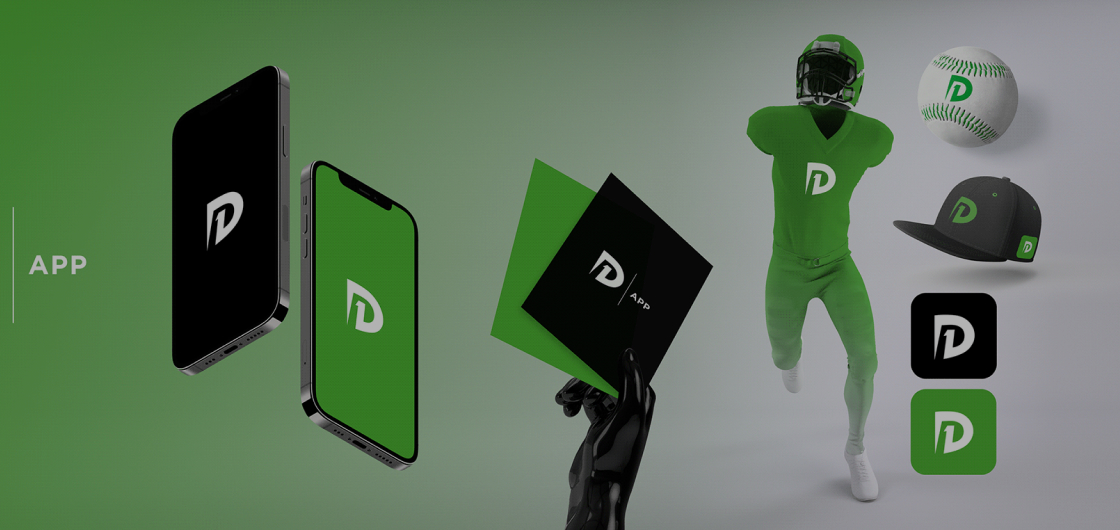
D1 APP: VISUAL IDENTITY
LOGO DESIGN
BRANDING
VISUAL IDENTITY
STARTUP
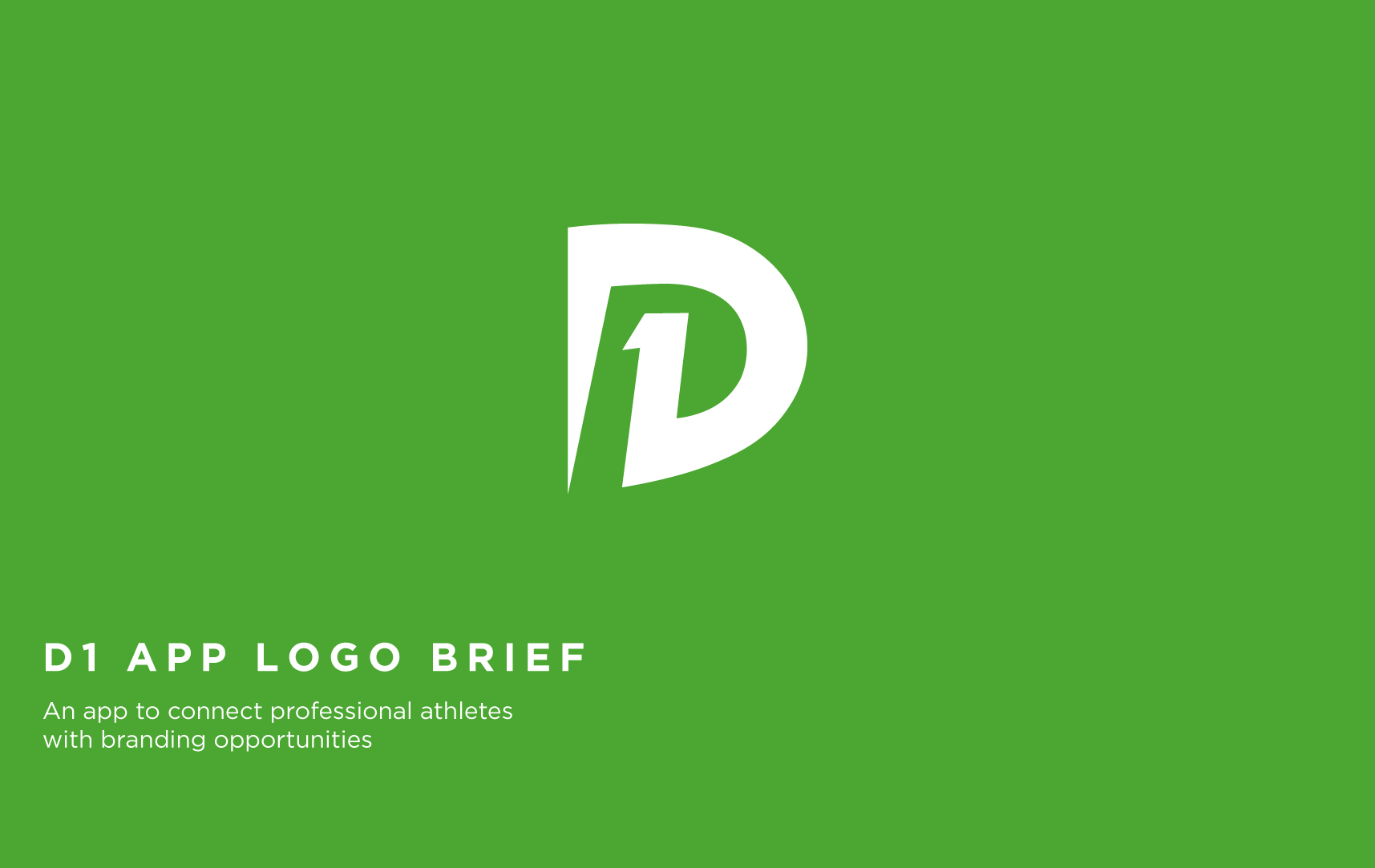
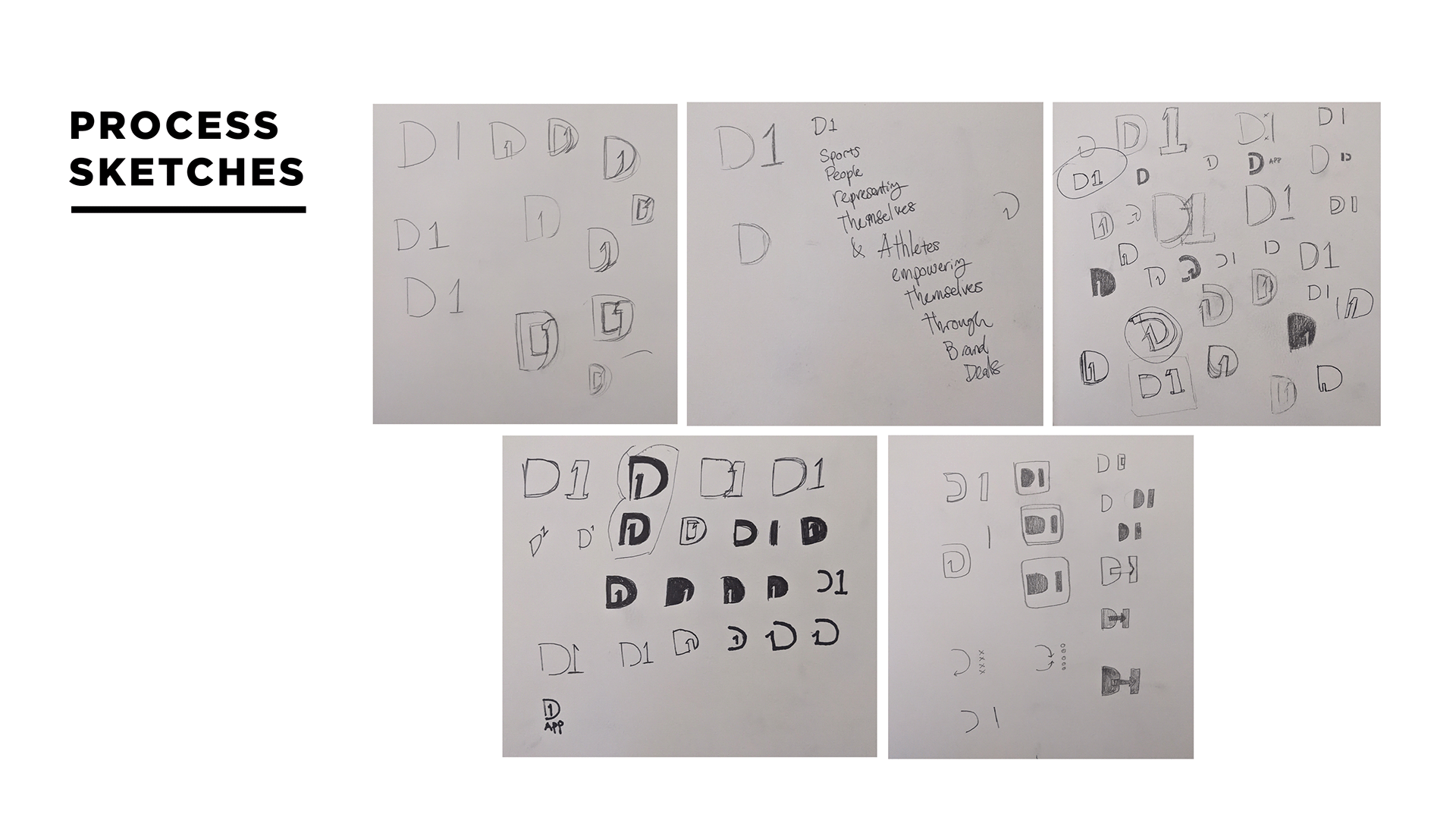
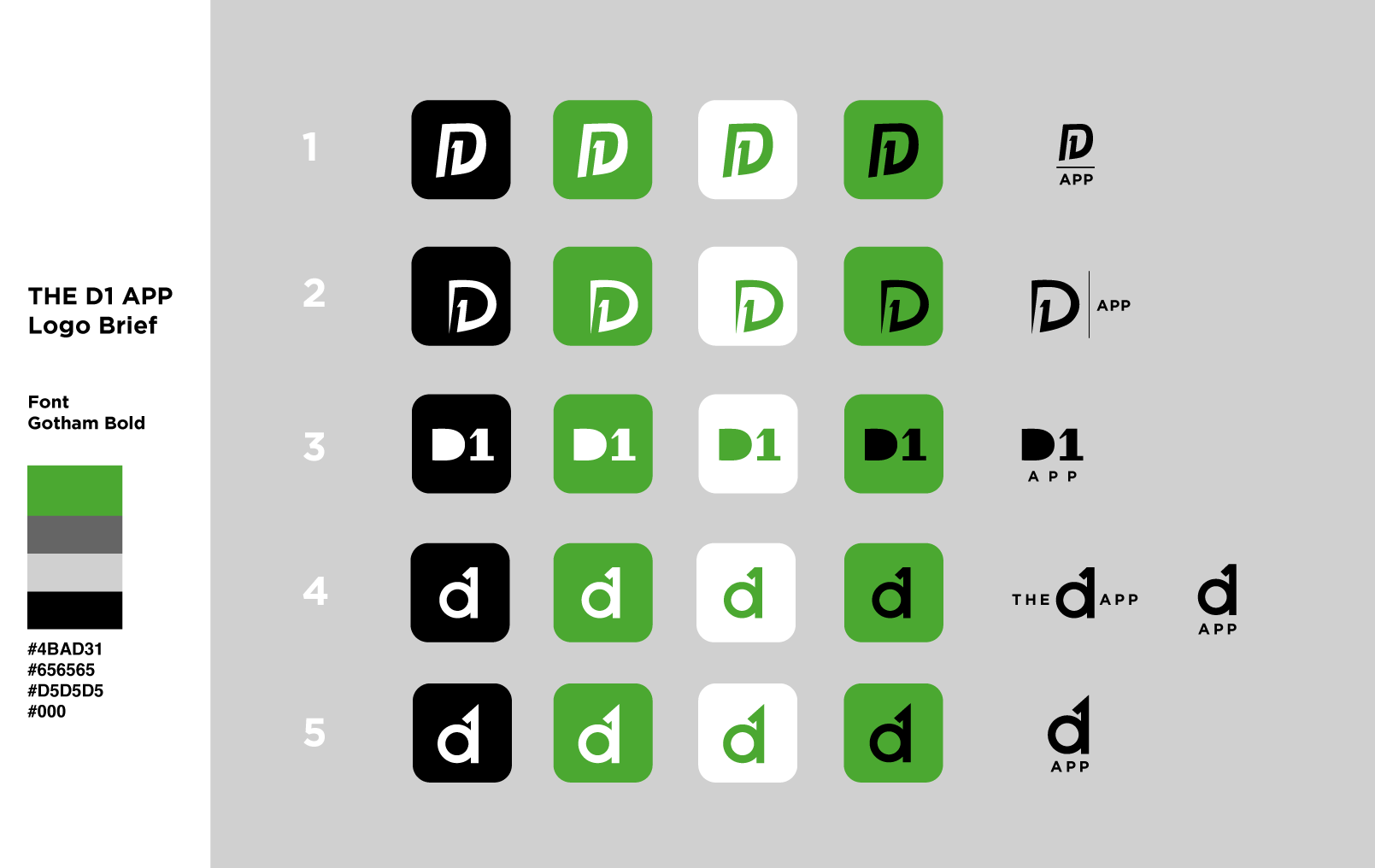
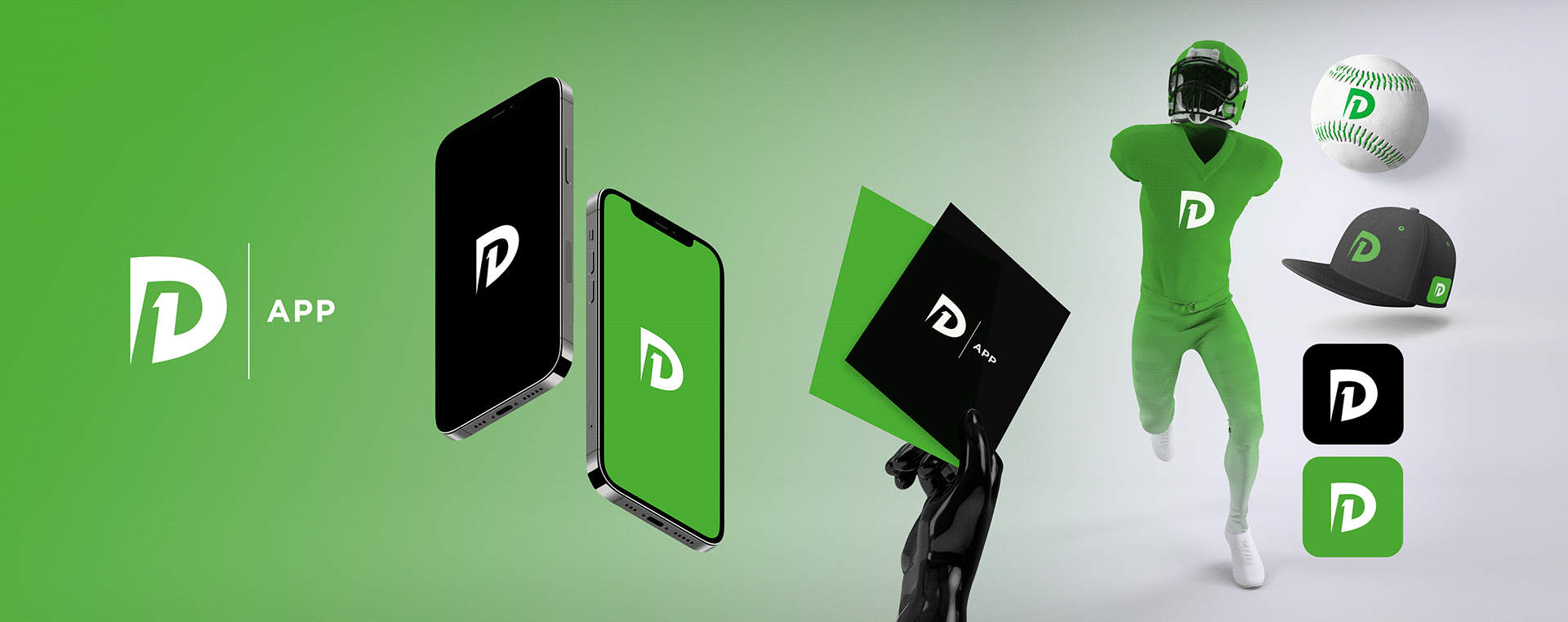
I created the full logo concept and branding kit for the D1 app, a platform designed to help Division 1 athletes connect with potential sponsors. The branding focused on strength, ambition, and professionalism, values that resonate with both athletes and sponsors. The final logo and visual identity were built to stand out in the competitive sports-tech space while remaining versatile across digital and print formats.



LOGO DESIGN

BOOKSHELF
LOGO AND BRANDING
APP DESIGN
SOCIAL MEDIA POSTS
SOCIAL MEDIA ADVERTISING
MOTION GRAPHICS
START UP
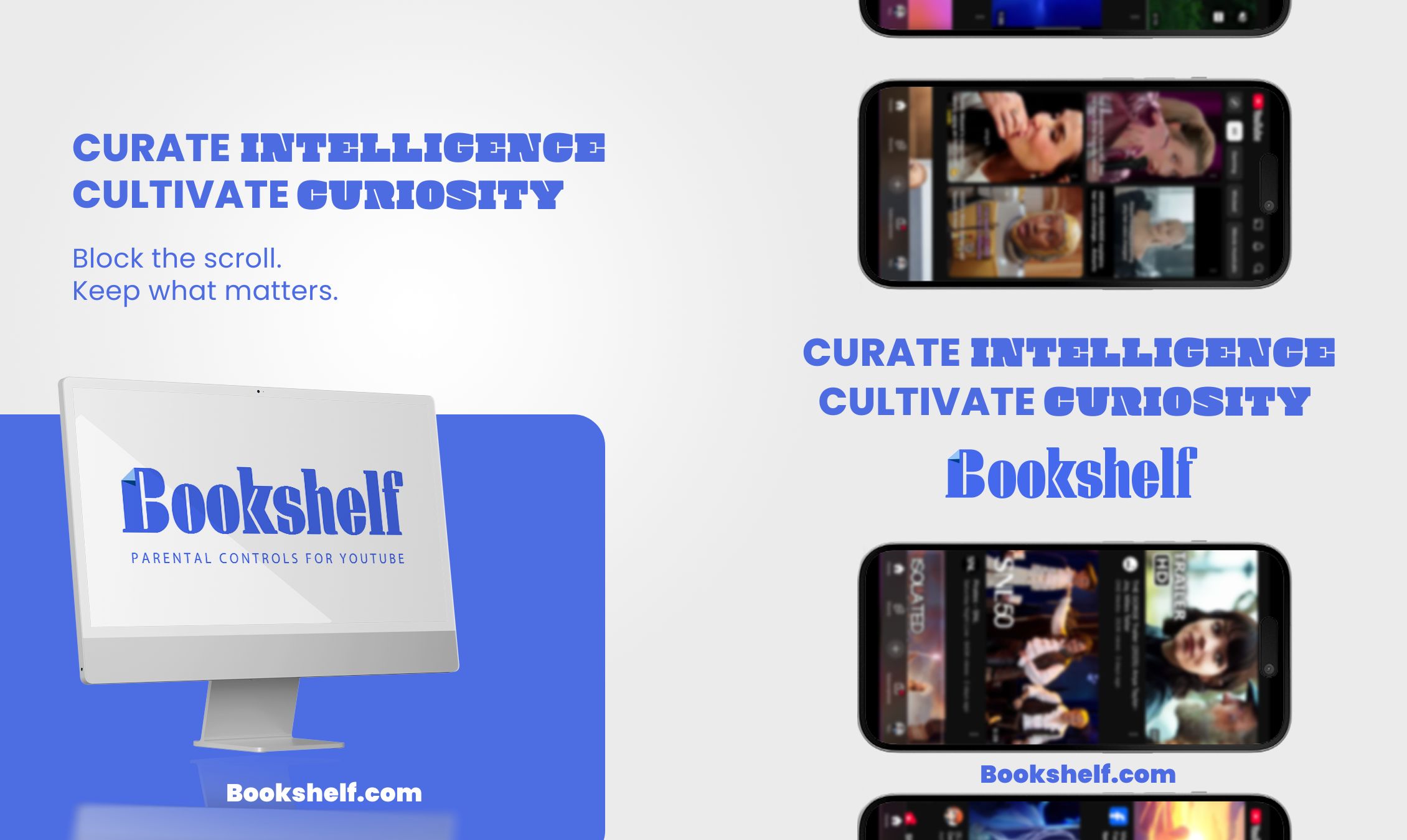
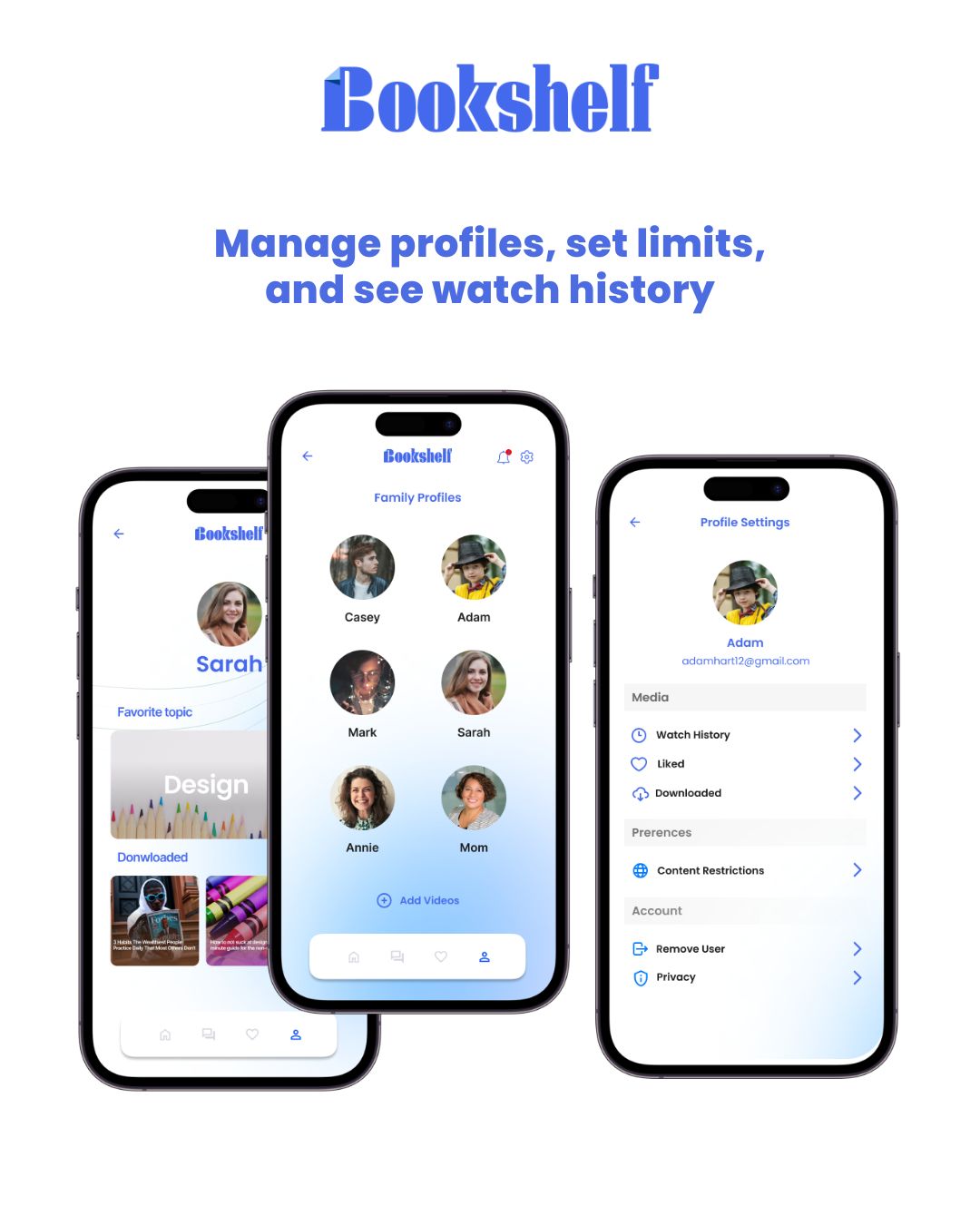
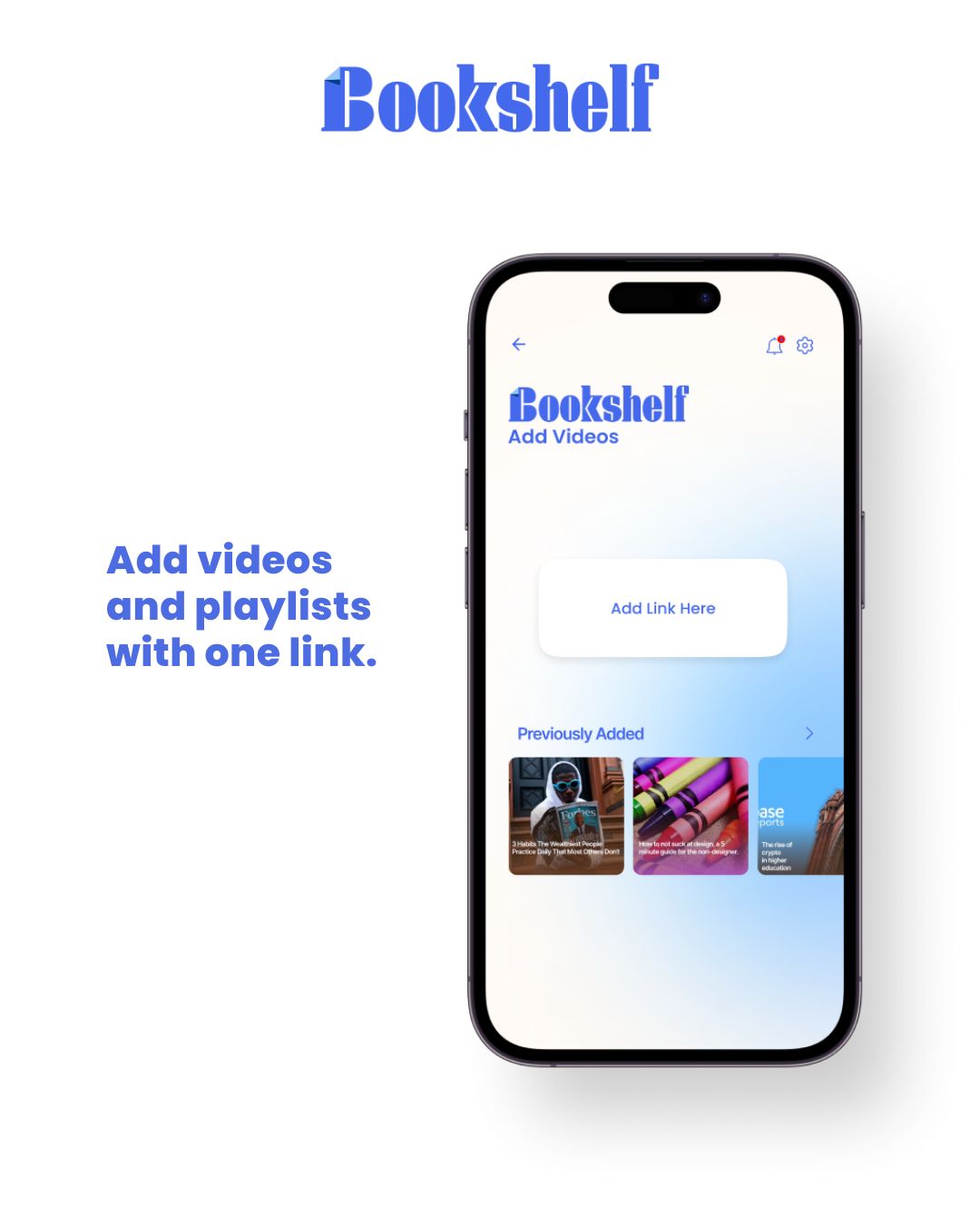
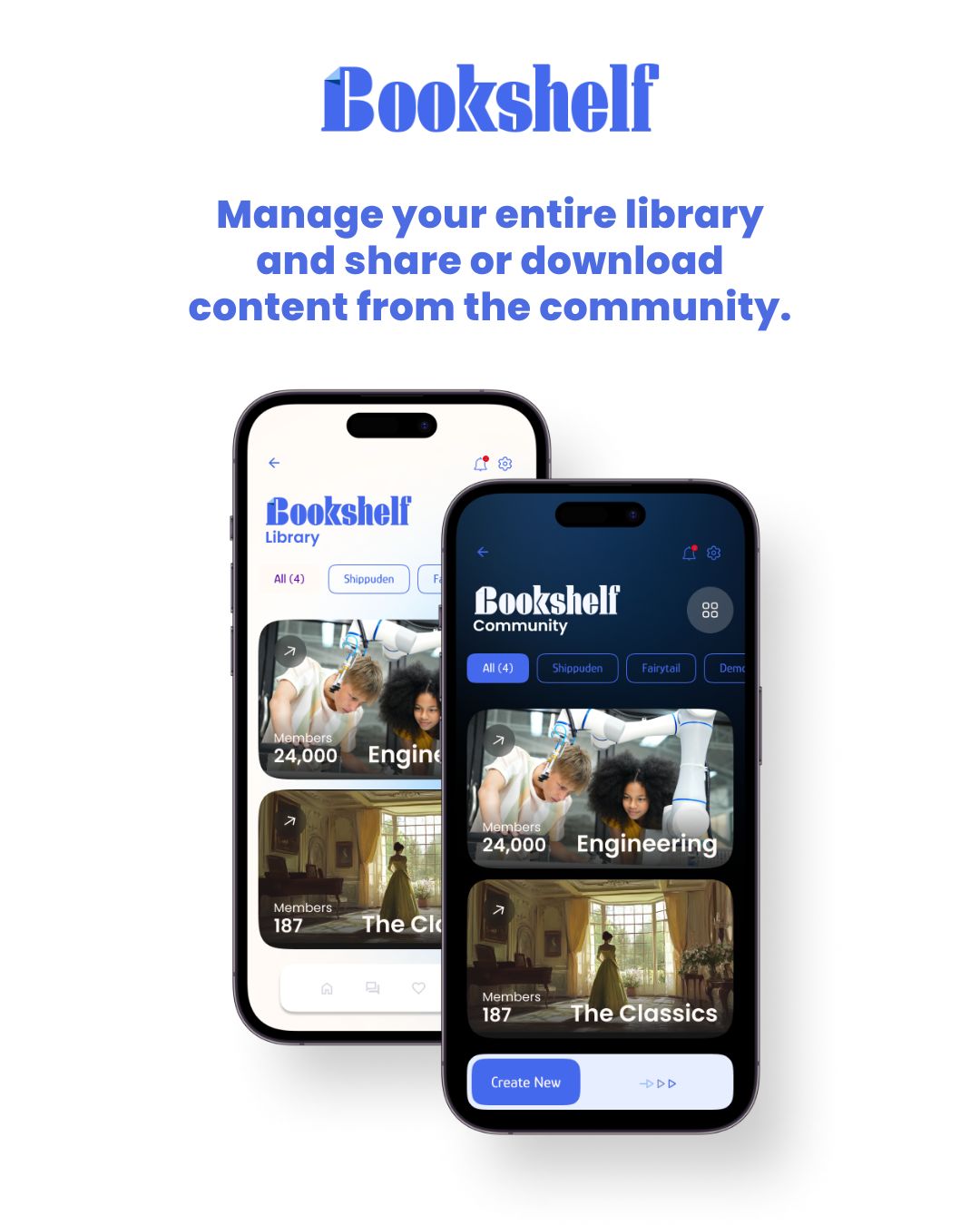
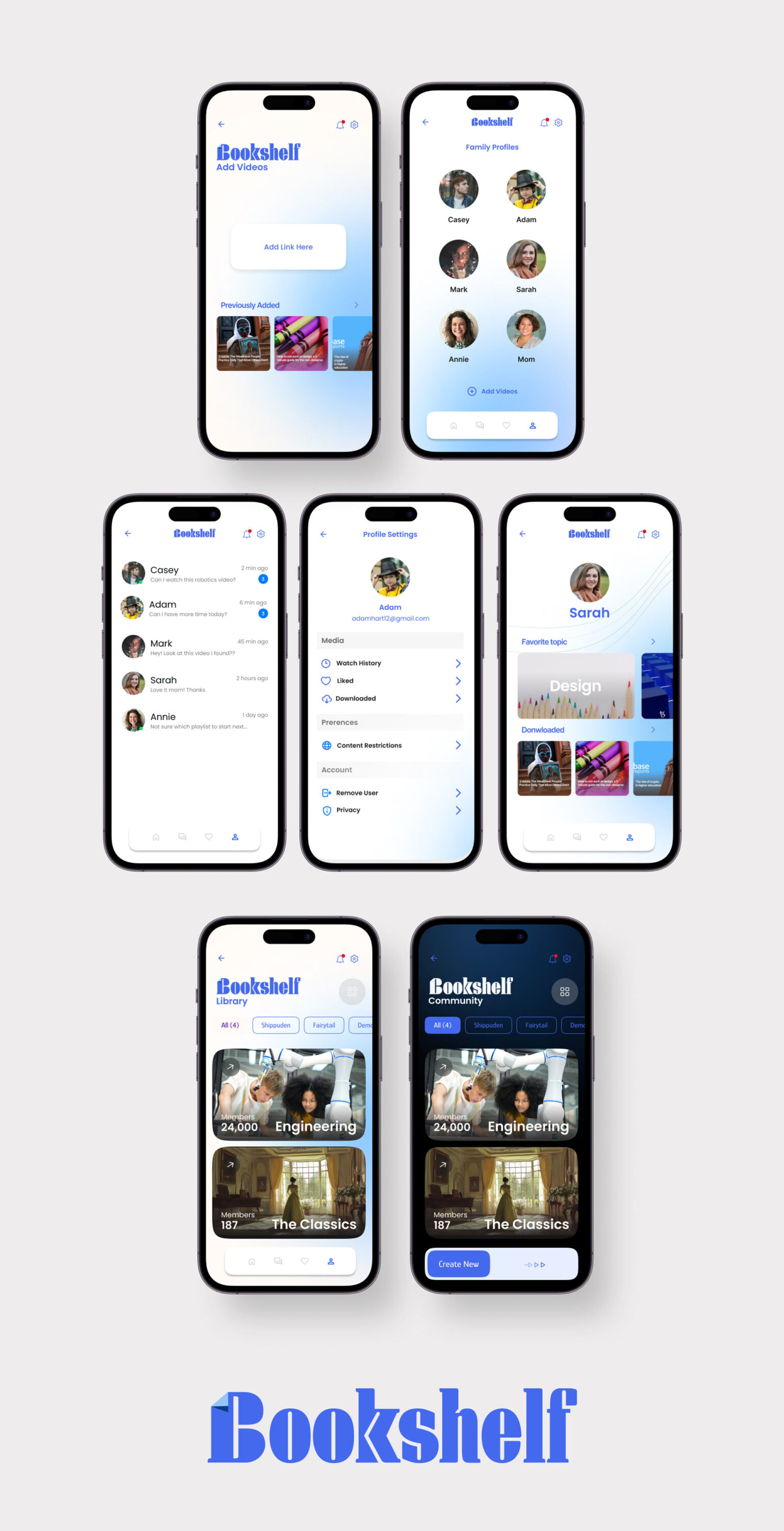
While contracting for the startup incubator Inception, I designed the app concept for Bookshelf, a video catalog and parental control platform. Bookshelf enables parents to create a permission hierarchy for their children, allowing access to curated video content from YouTube, Vimeo, and other sources while blocking inappropriate material. Additionally, it features a community page where parent admins can share and discover playlists, making it easy to expand each family’s video library with trusted recommendations.
SOCIAL MARKETING
ADKOM - SPECIALTY ICON LIBRARY
ICON DESIGN
VISUAL DESIGN SYSTEMS
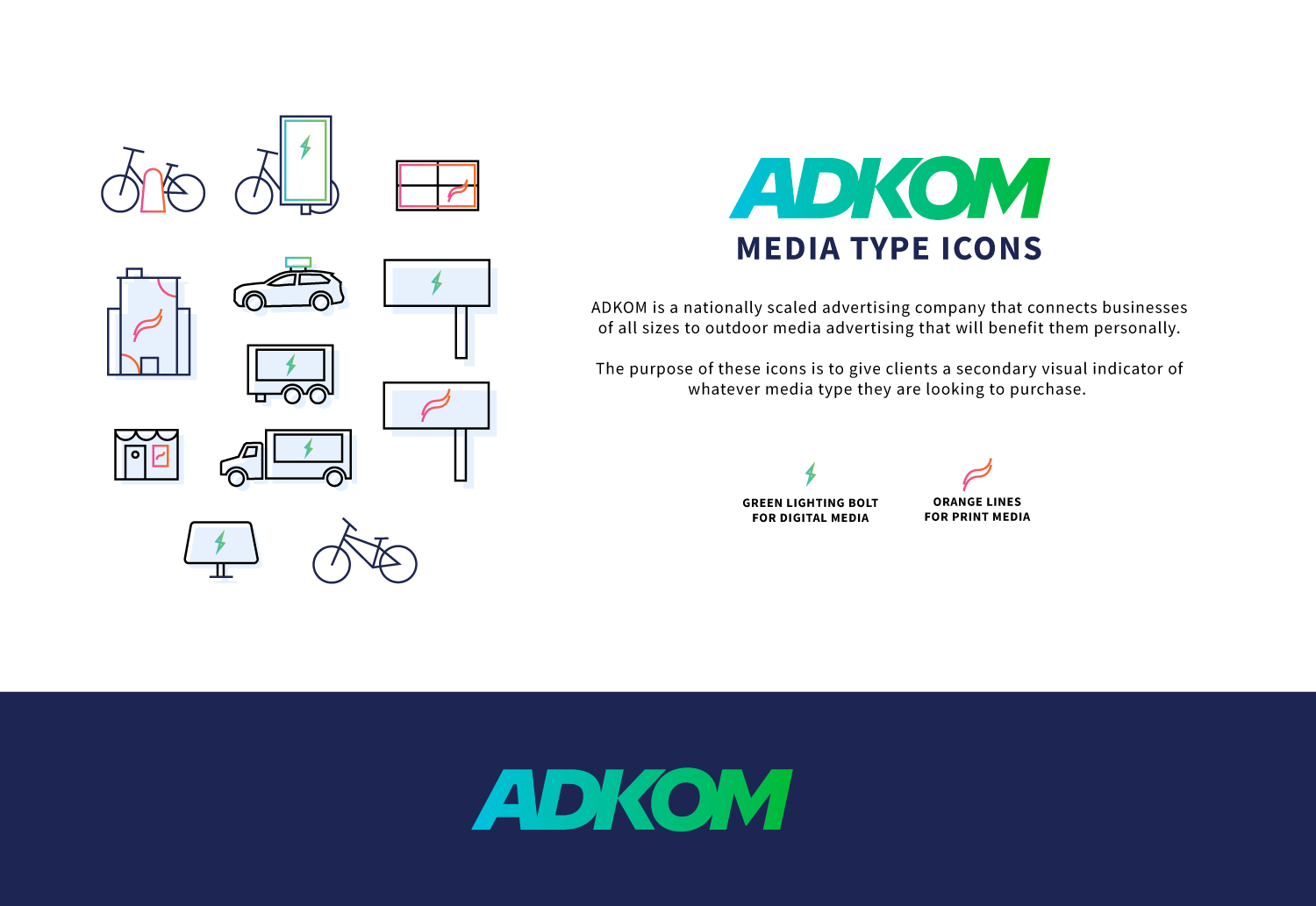
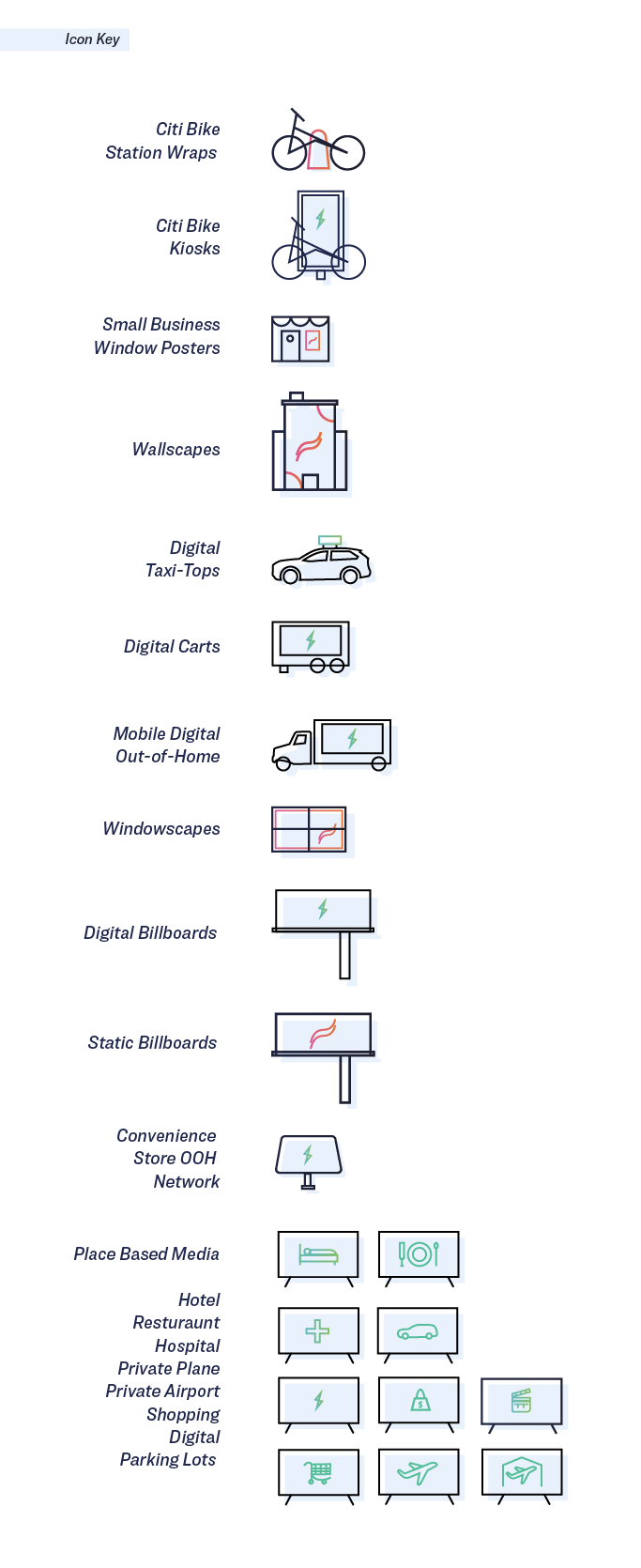
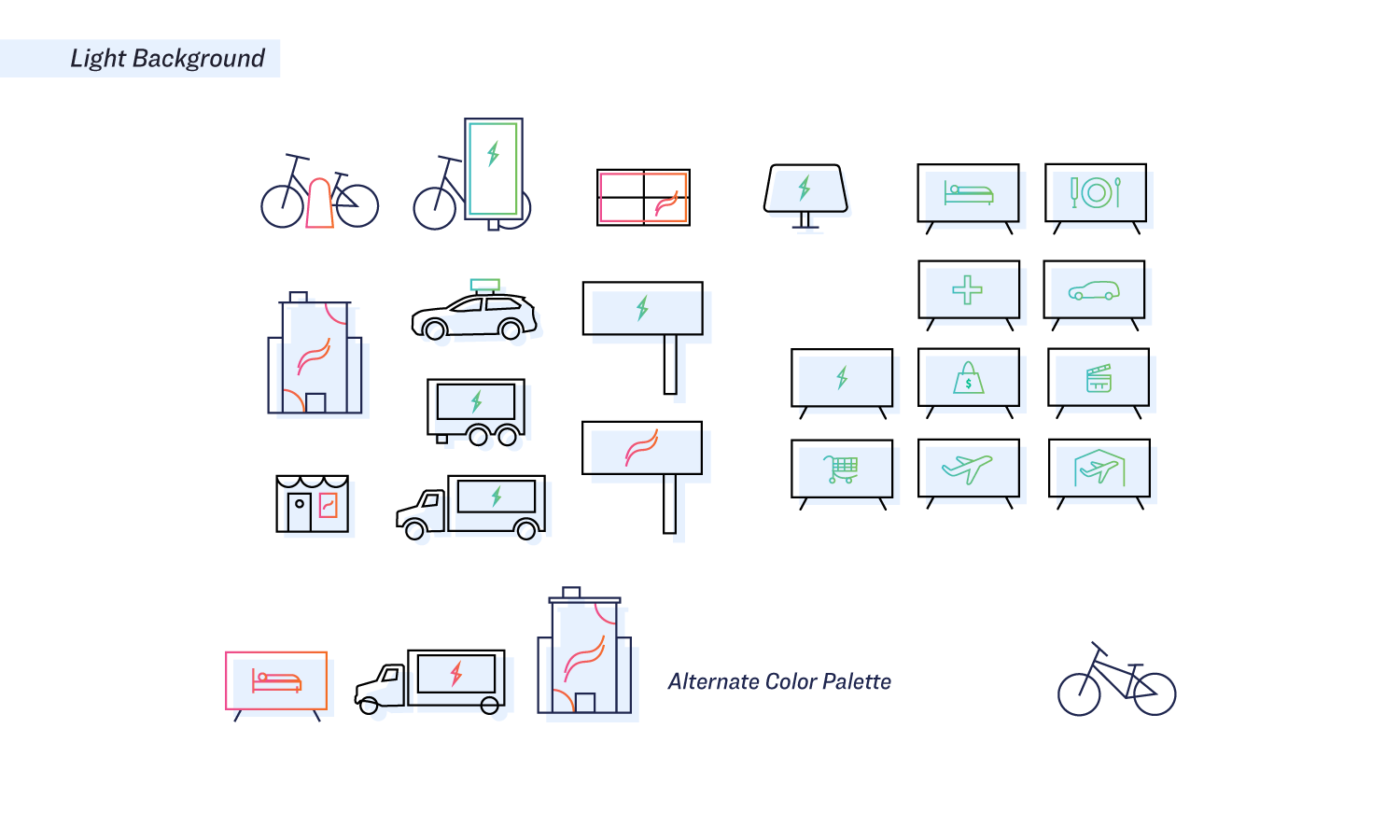
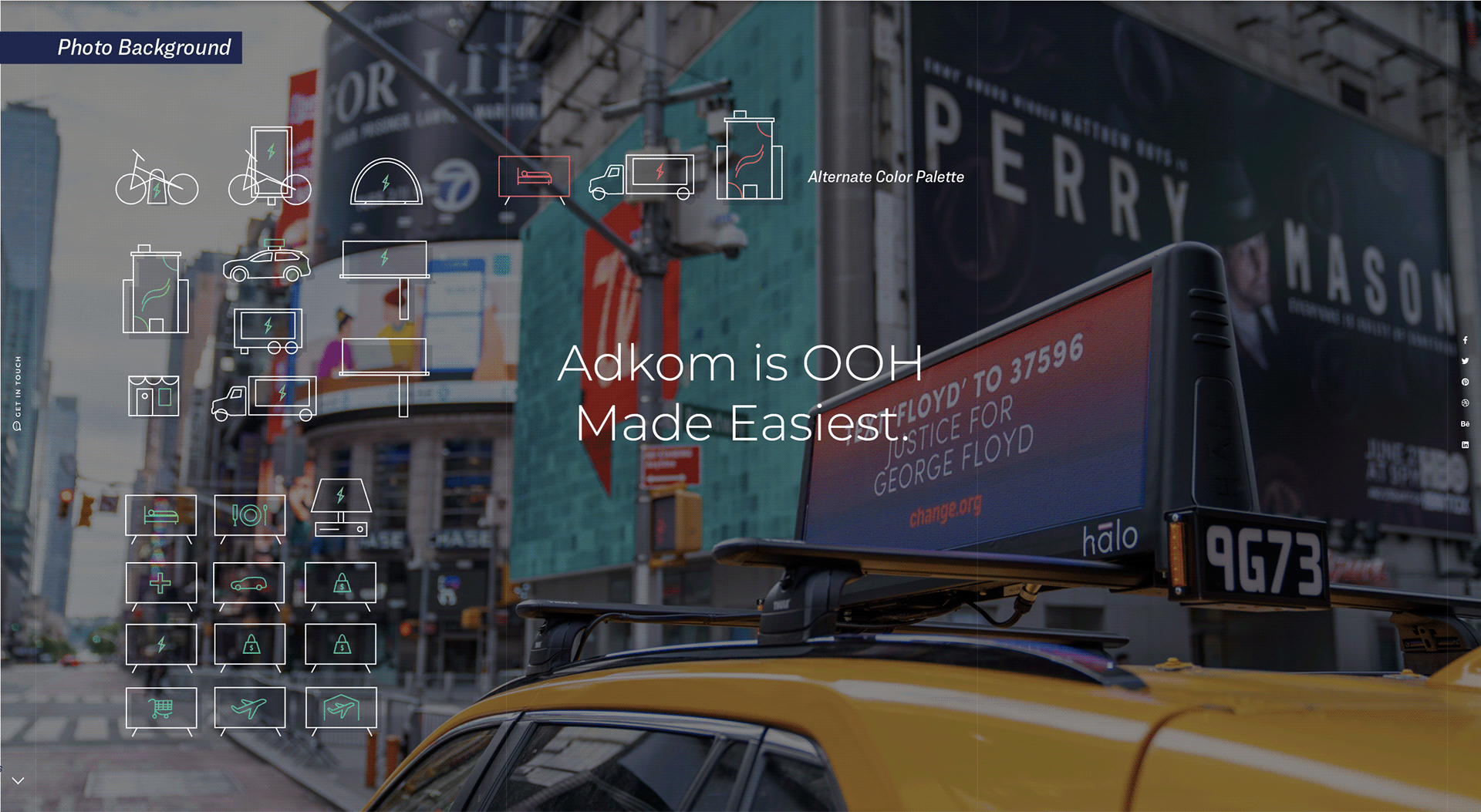
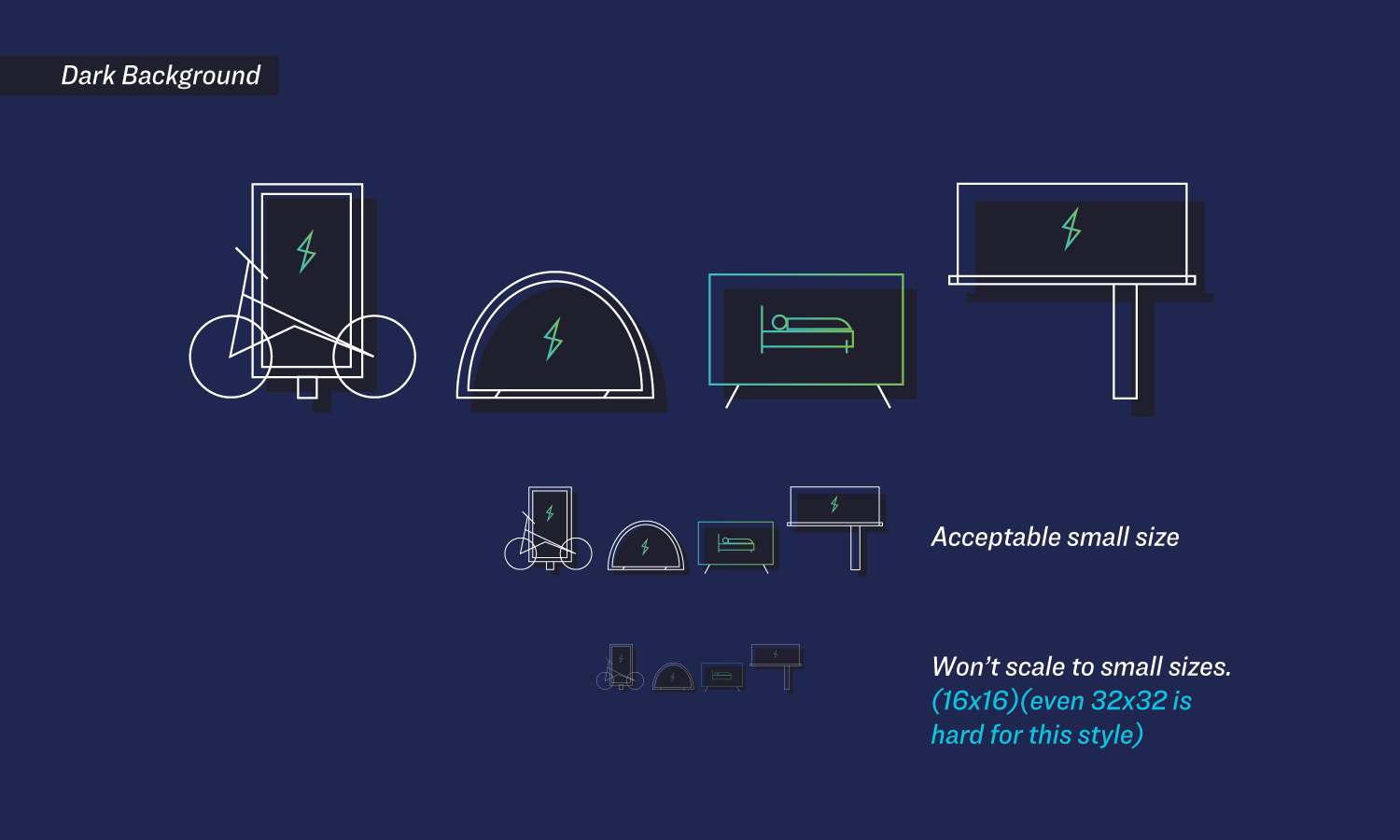
I developed the ADKOM icon library to create a cohesive visual system for the company’s extensive range of out-of-home (OOH) advertising platforms. The icons were organized into two distinct categories, electric and print. using a bold green lightning bolt for digital media and an orange swoosh for print formats. This visual identity made it easier for partners to quickly navigate ADKOM’s offerings and communicate options with clarity and consistency.

ICON DESIGN
ASPIRE WEBSITE REDESIGN
MATERIAL DESIGN
CONCEPT WORK
RESPONSIVE DESIGN
VISUAL IDENTITY
UX/UI
UTAH VALLEY UNIVERSITY
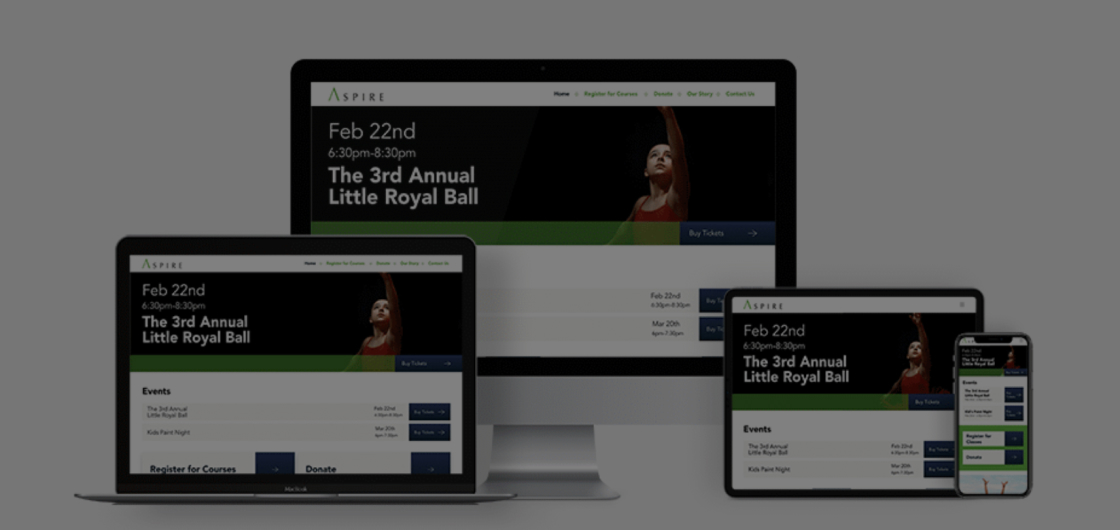
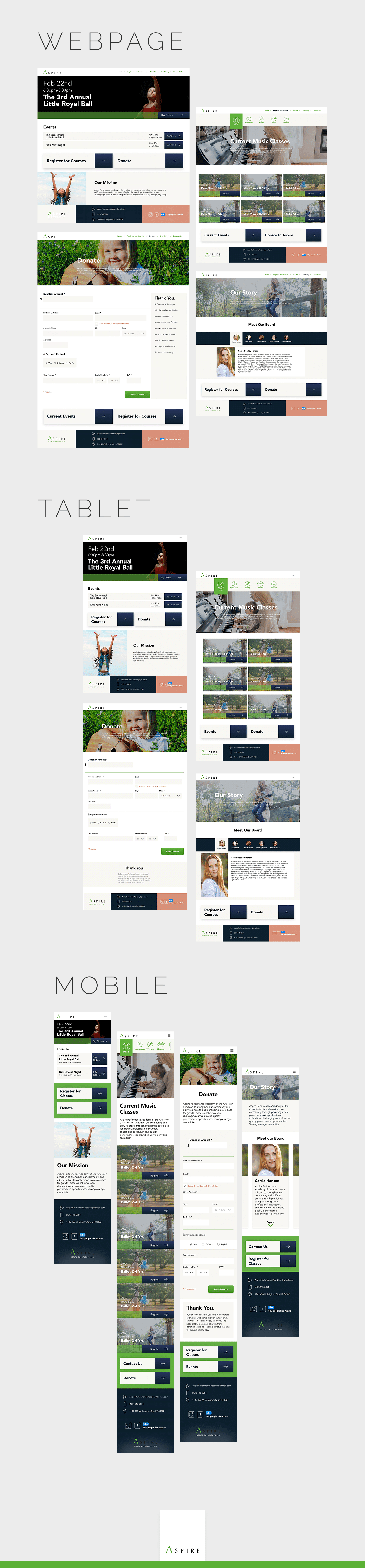
As part of an undergraduate design project, I created a fully responsive website for Aspire, a local nonprofit dance studio that teaches children Jazz, Contemporary, Ballet, and Hip Hop. Though the project was a conceptual redesign, it followed Google’s Material Design system to ensure a clean, intuitive interface across desktop, tablet, and mobile devices. Special attention was given to accessibility standards and legal compliance, making the design inclusive and aligned with real-world usability requirements.
WEBSITE
JUPITER CAR WASH: CHECK-IN APP
APP DESIGN
APP DESIGN
VISUAL IDENTITY
UX/UI
UTAH VALLEY UNIVERSITY
UNDERGRAD CONCEPT WORK
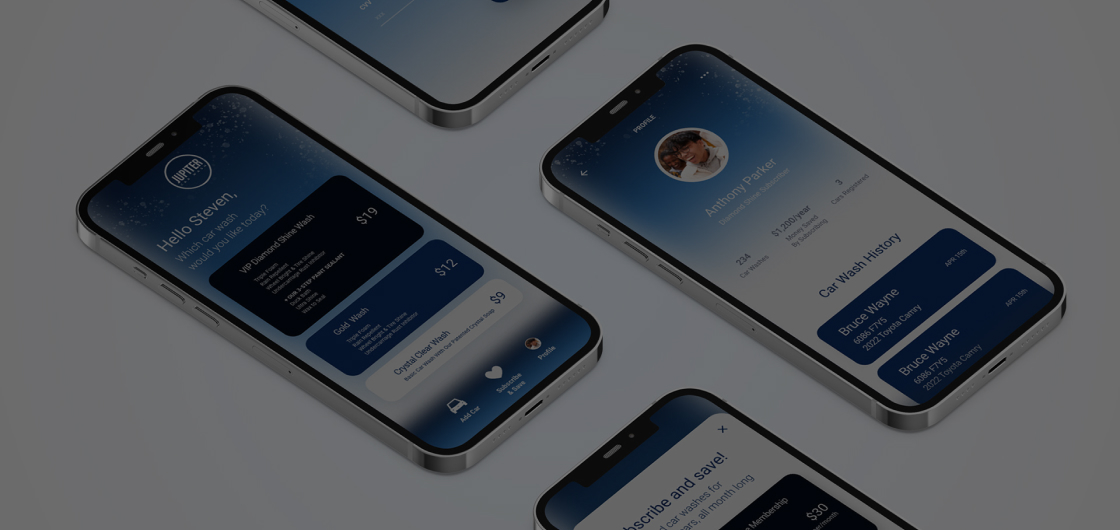
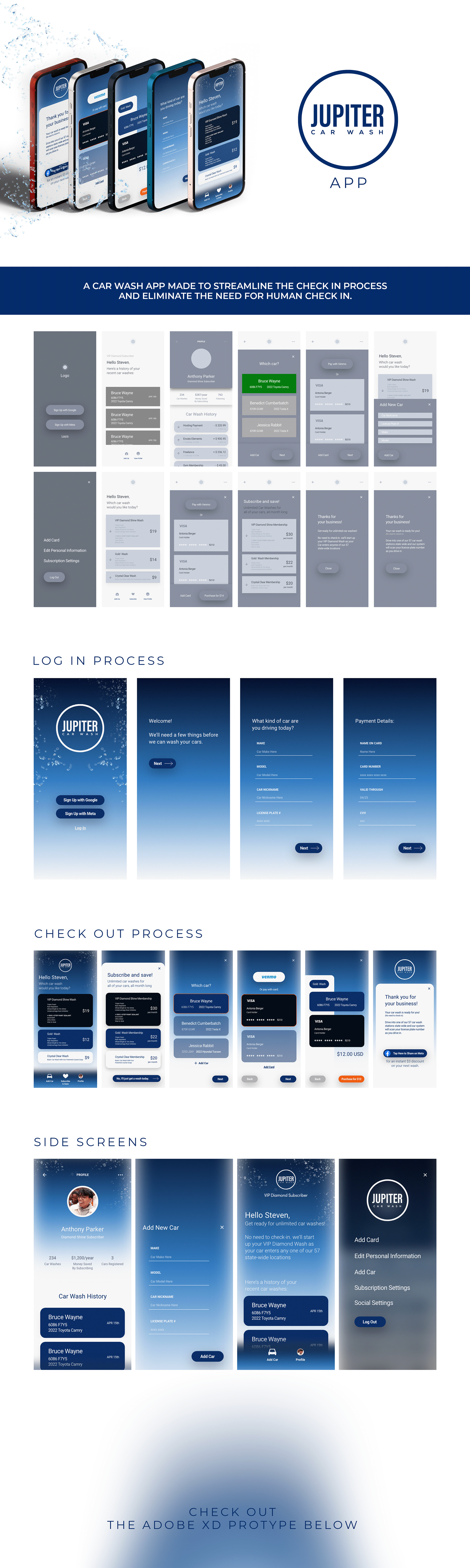
I designed the prototype for Jupiter Car Wash, an unreleased instant check-in app focused on streamlining the user experience from arrival to wash completion. Built in Adobe XD, the design prioritized clean user flows, a strong and consistent visual identity, and effortless navigation. The goal was to make the check-in process as intuitive as possible, combining bold branding with functional simplicity to ensure a smooth experience for every user.
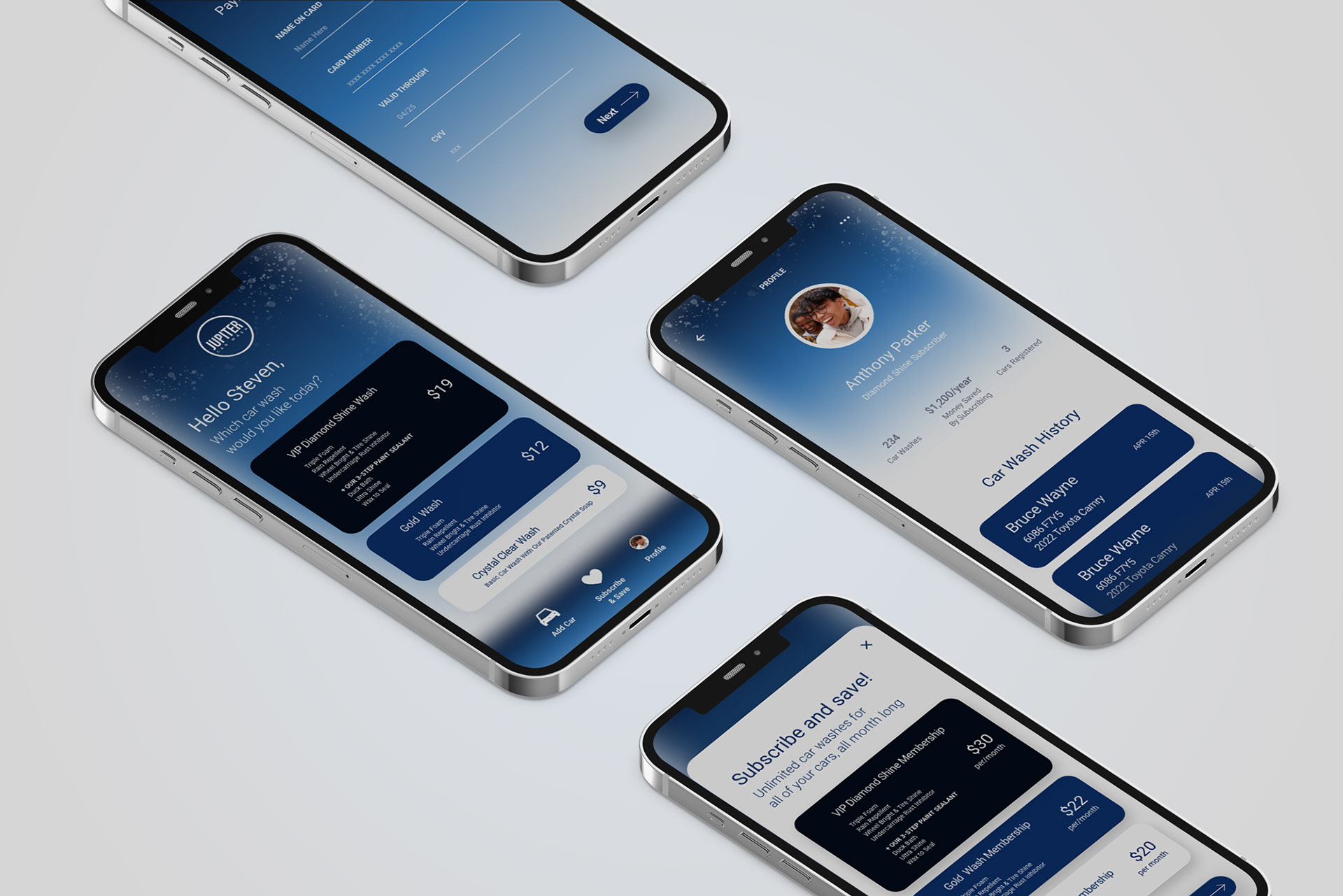
APP PROTOTYPE
LIVING ALMONDS
CONCEPT
BRANDING
VISUAL IDENTITY
FOOD PACKAGING
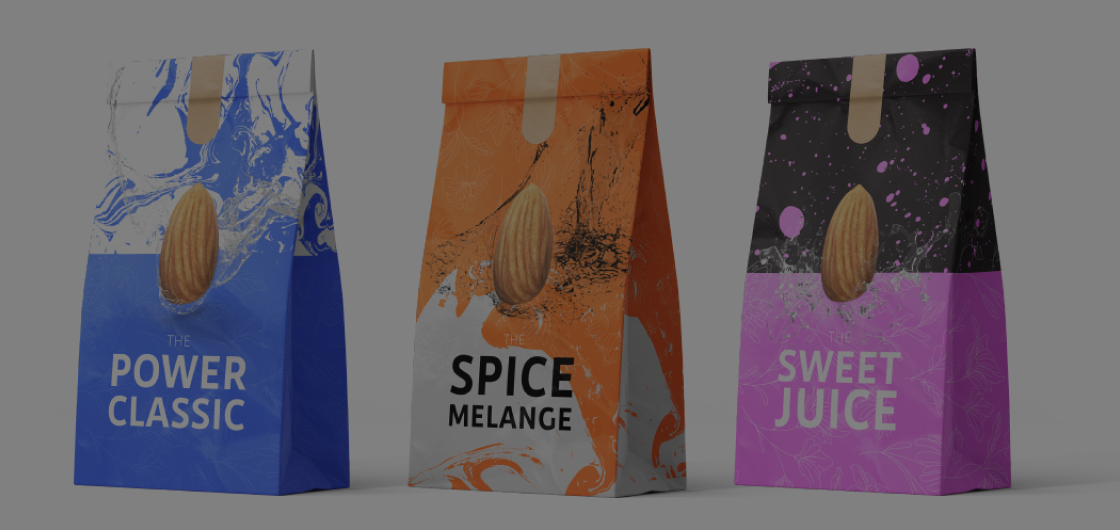
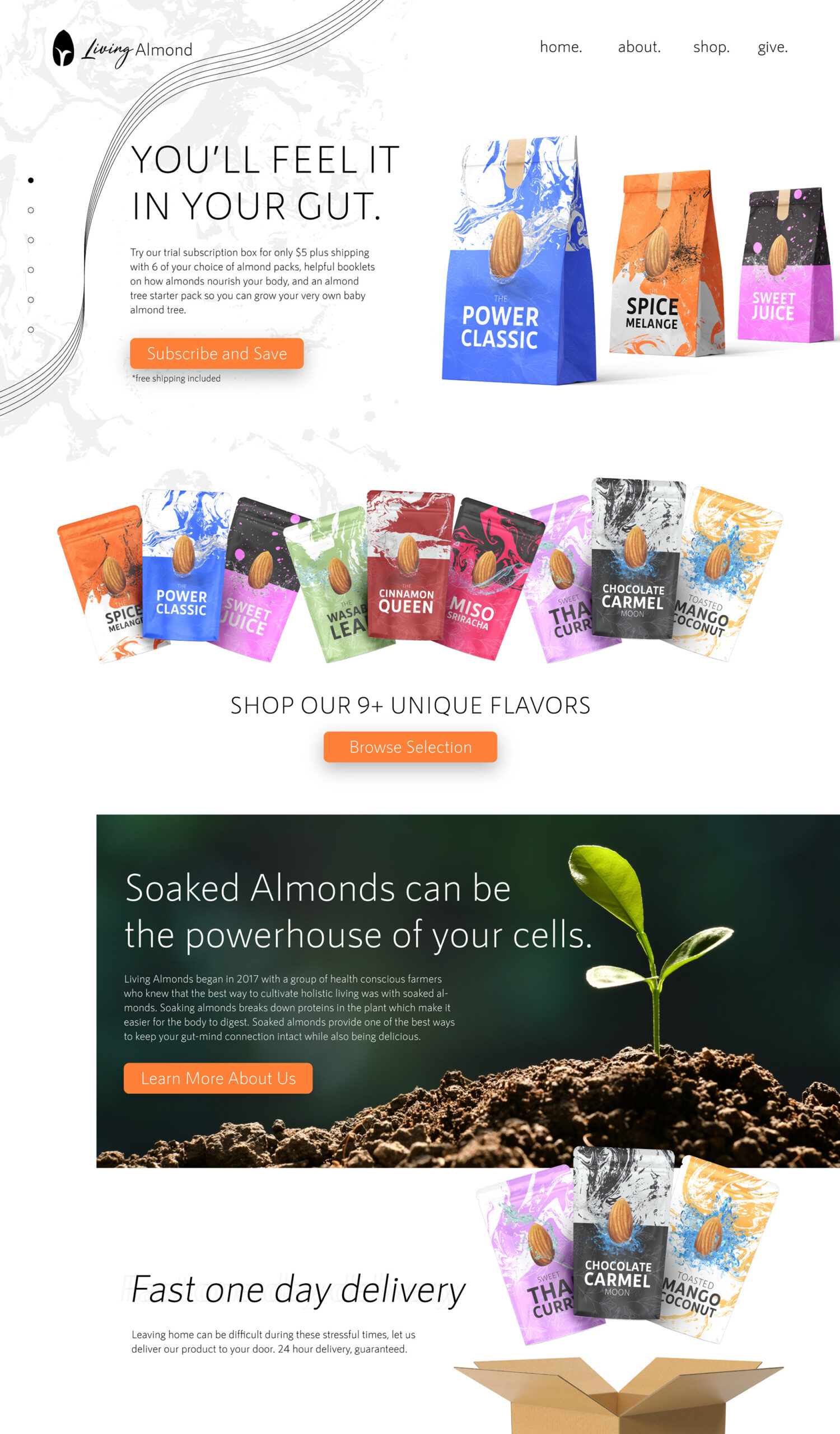
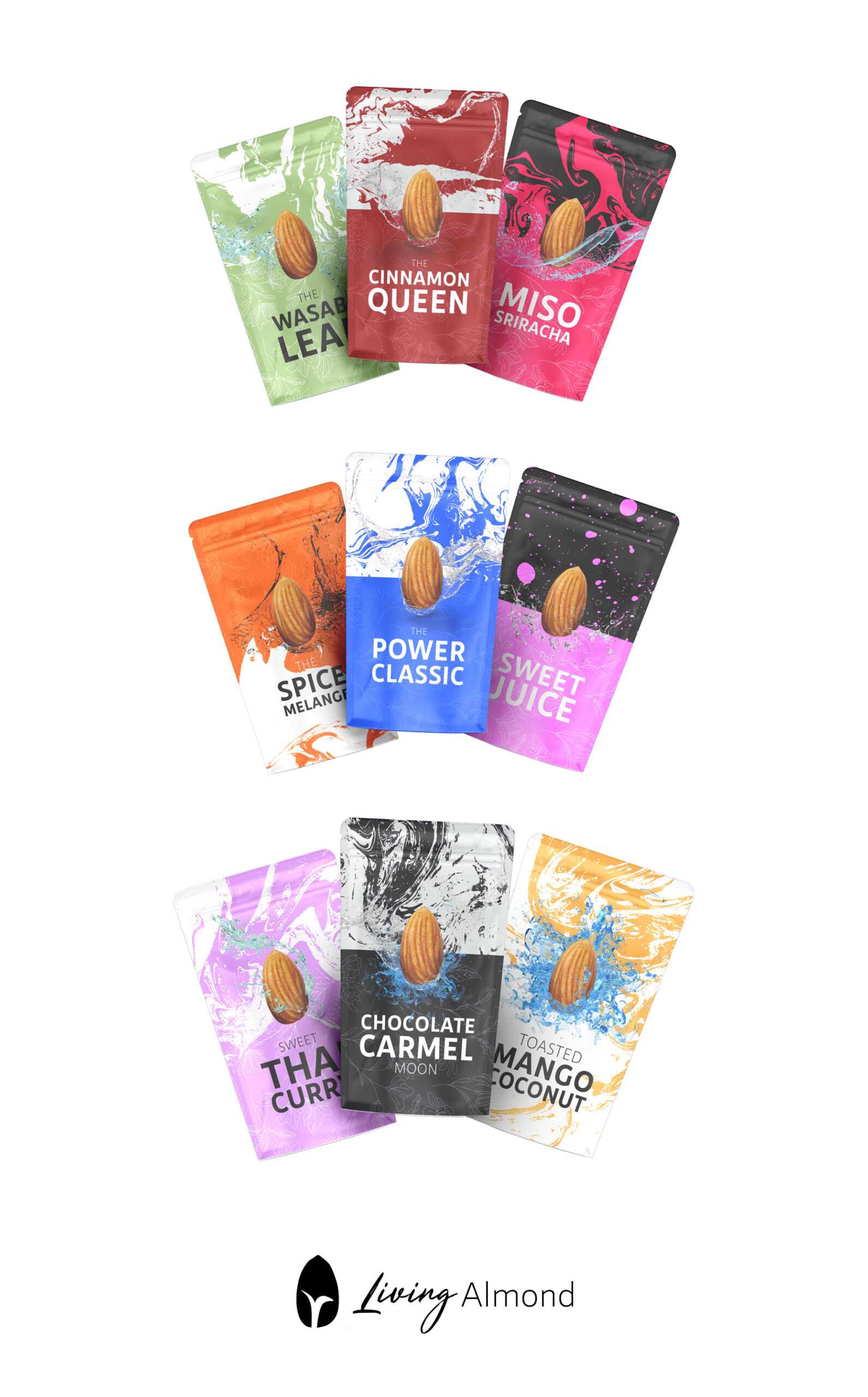
Living Almonds was a personal passion project focused on creating a clean, environmentally friendly line of flavored and spiced almonds. I developed the full concept design, including the logo, website, and packaging for a variety of globally inspired flavors like “Miso Sriracha,” “Thai Curry,” and “Mango Coconut.” One standout flavor, “The Spice Melange,” paid homage to the Dune series with a sci-fi twist. The branding emphasized natural ingredients, sustainability, and bold, adventurous flavor profiles, combining visual storytelling with mindful design.
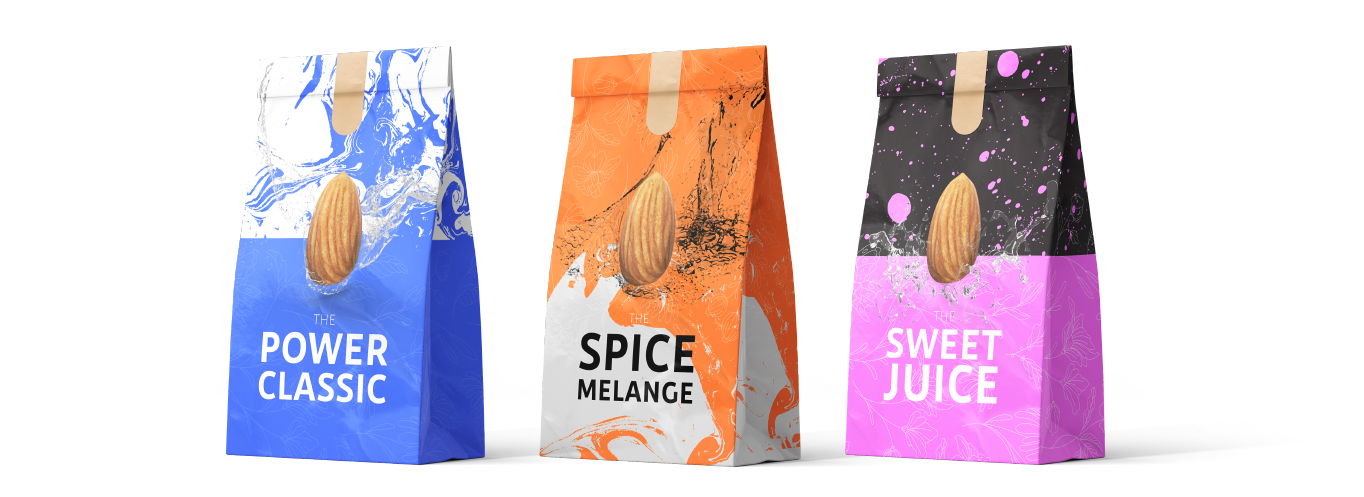
PACKAGING
DREAM BURGER
LOGO AND BRANDING
TRUCK DESIGN
MENU DESIGN
BUSINESS CARDS
START UP
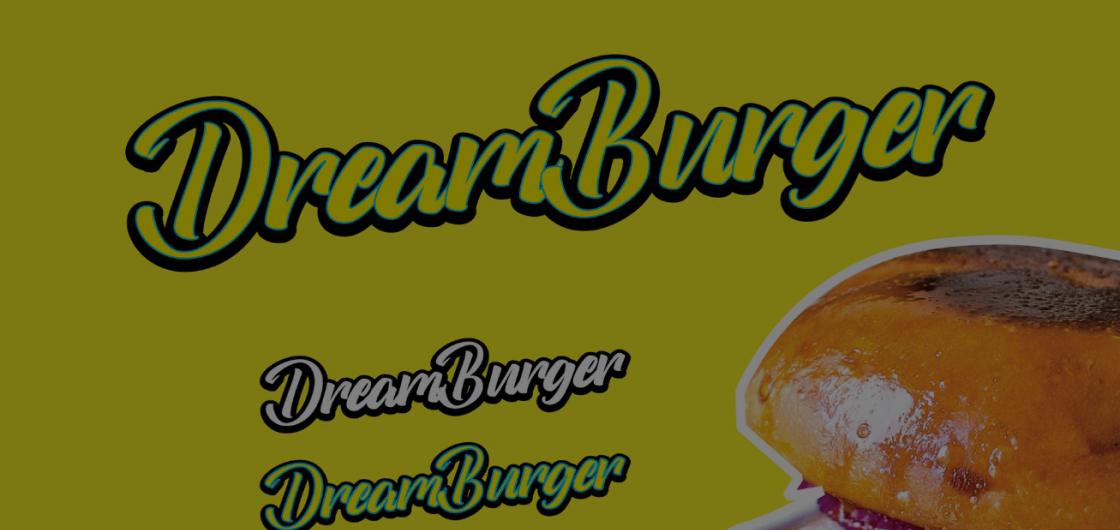
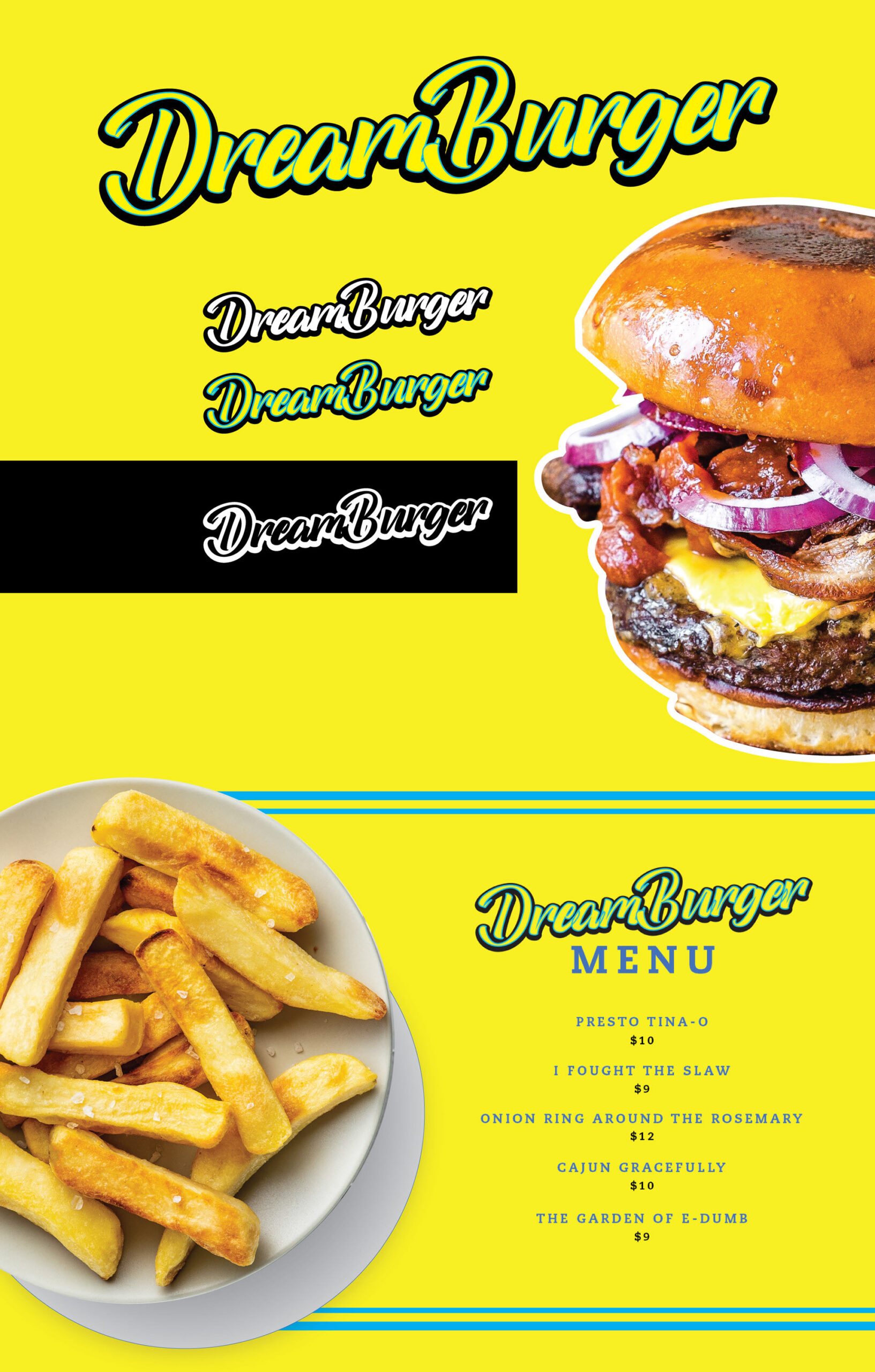
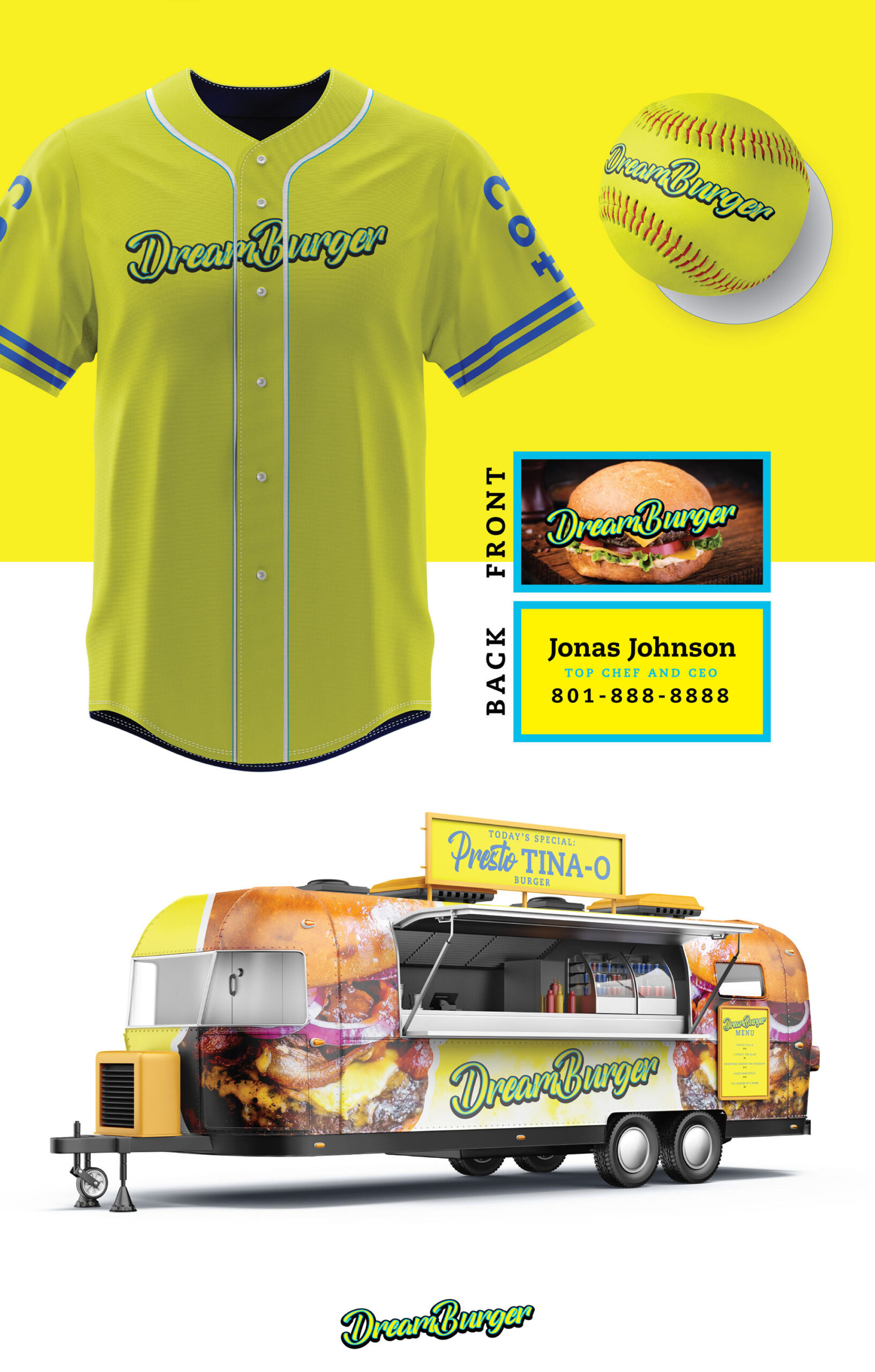
I created the app design concept for Dream Burger, a food truck inspired by the beloved show Bob’s Burgers. This project was a special commission from my cousin-in-law, who had always dreamed of starting their own food truck. It was a fun opportunity to bring their vision to life and support family to take their first step in making a dream a reality.
SHOP DESIGN

Math Magicians
WEB DESIGN
BRANDING
START-UP
2018-2020
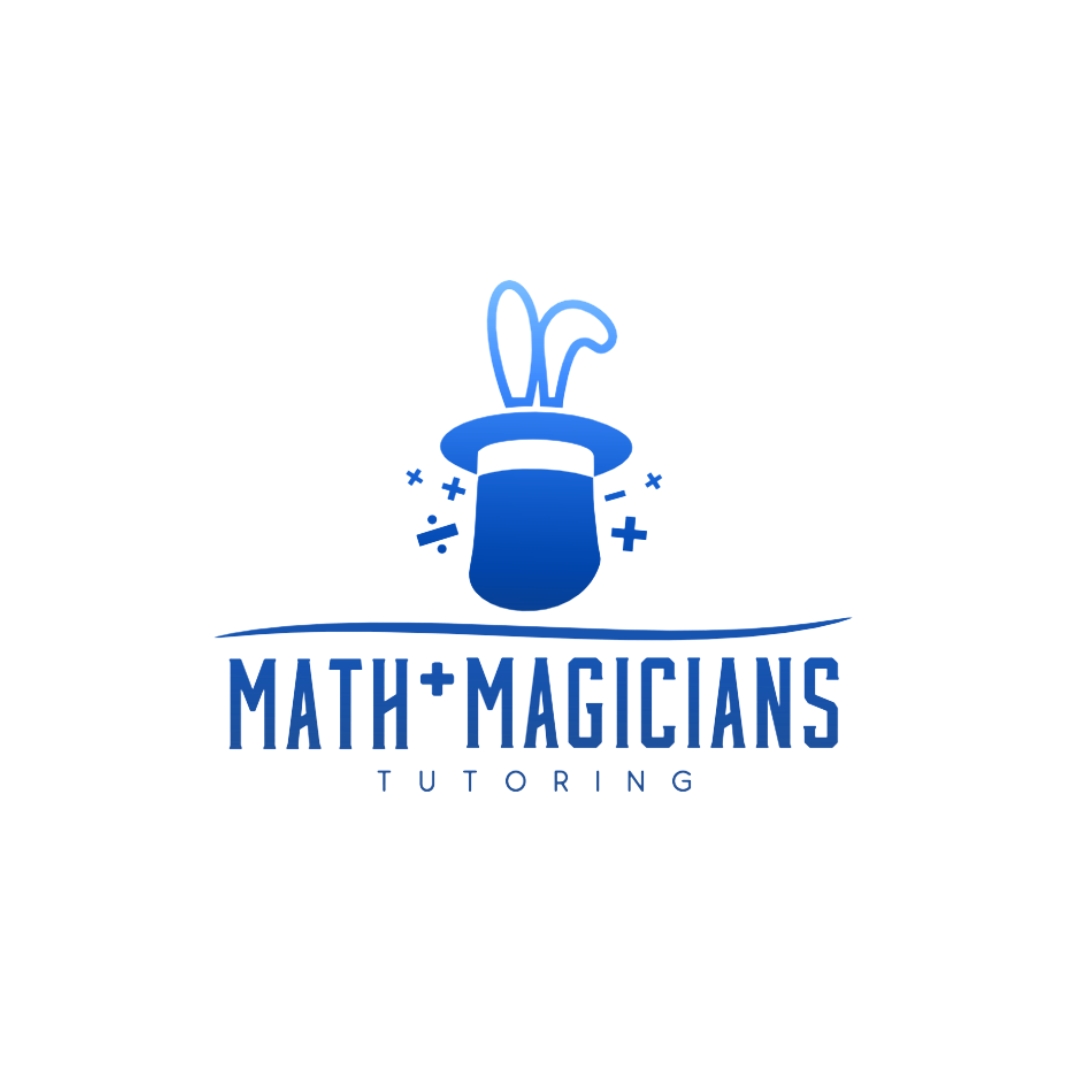
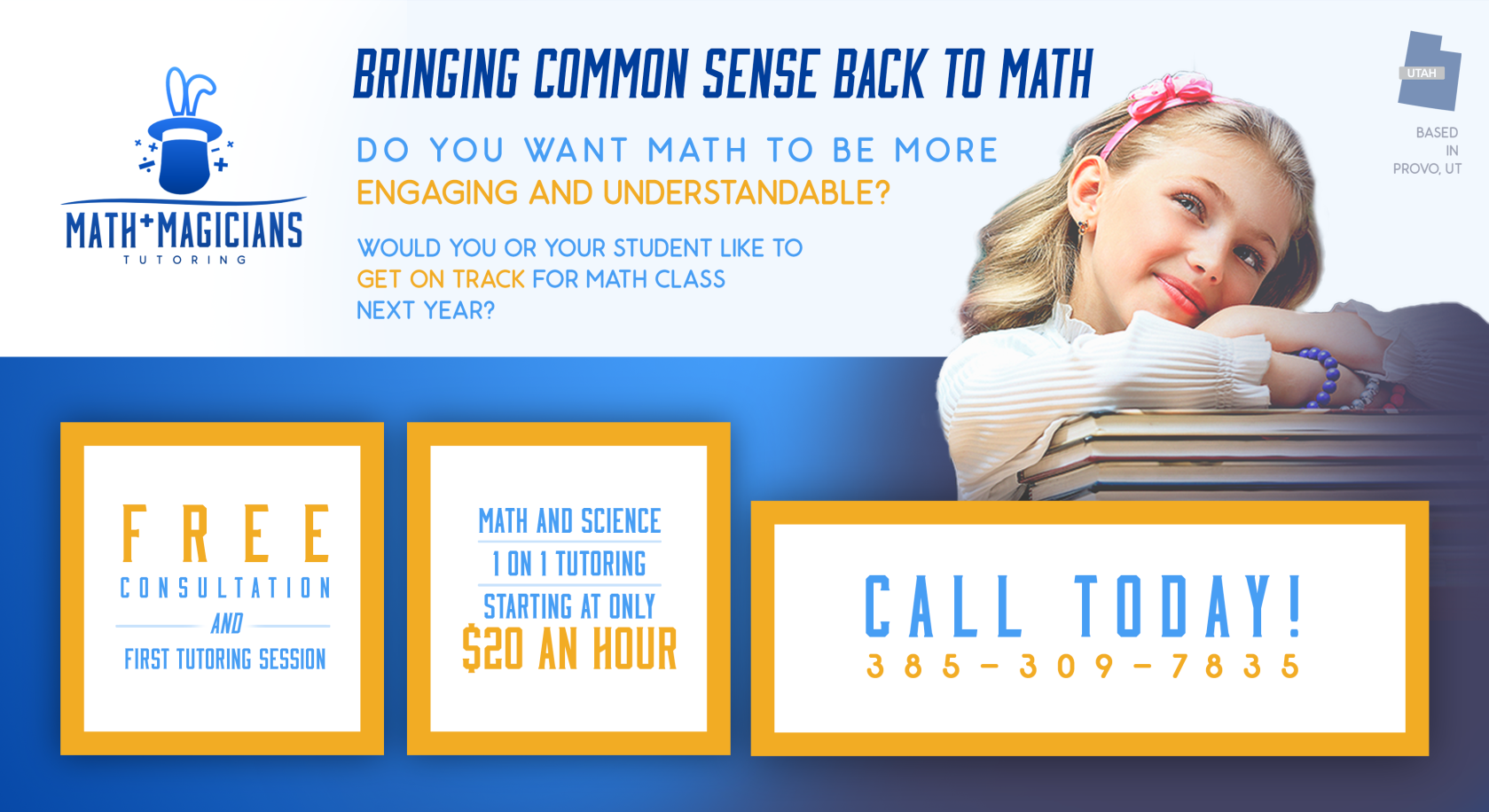
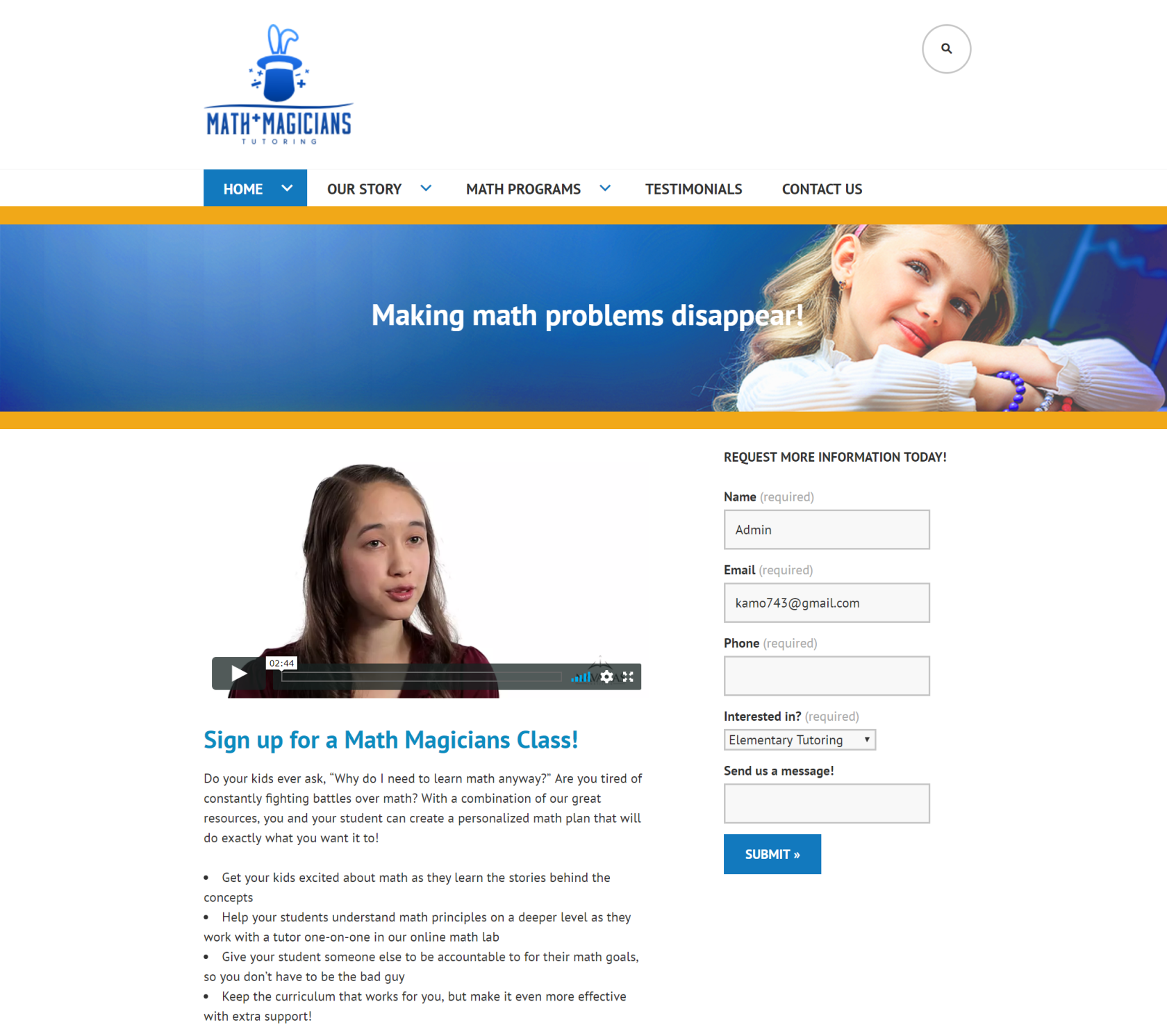
Math Magicians is a Utah-based tutoring business focused on making math approachable for both parents and children. I worked with the company for two years as a part-time contractor between 2018-2020. My main roles consisted of developing the brand identity, creating a simple wordpress website for parent sign up, and print and event marketing materials. Through collaborative strategy discussions, we established a visual direction that balanced professionalism and trust with a friendly, kid-appropriate tone. The final identity, built around a restrained blue-and-orange palette and a custom logo mark, helped differentiate the brand within the tutoring space. I also designed and built a WordPress website optimized for parent conversion and easy post-handoff management, along with supporting flyers designed to drive direct inquiries.



Design